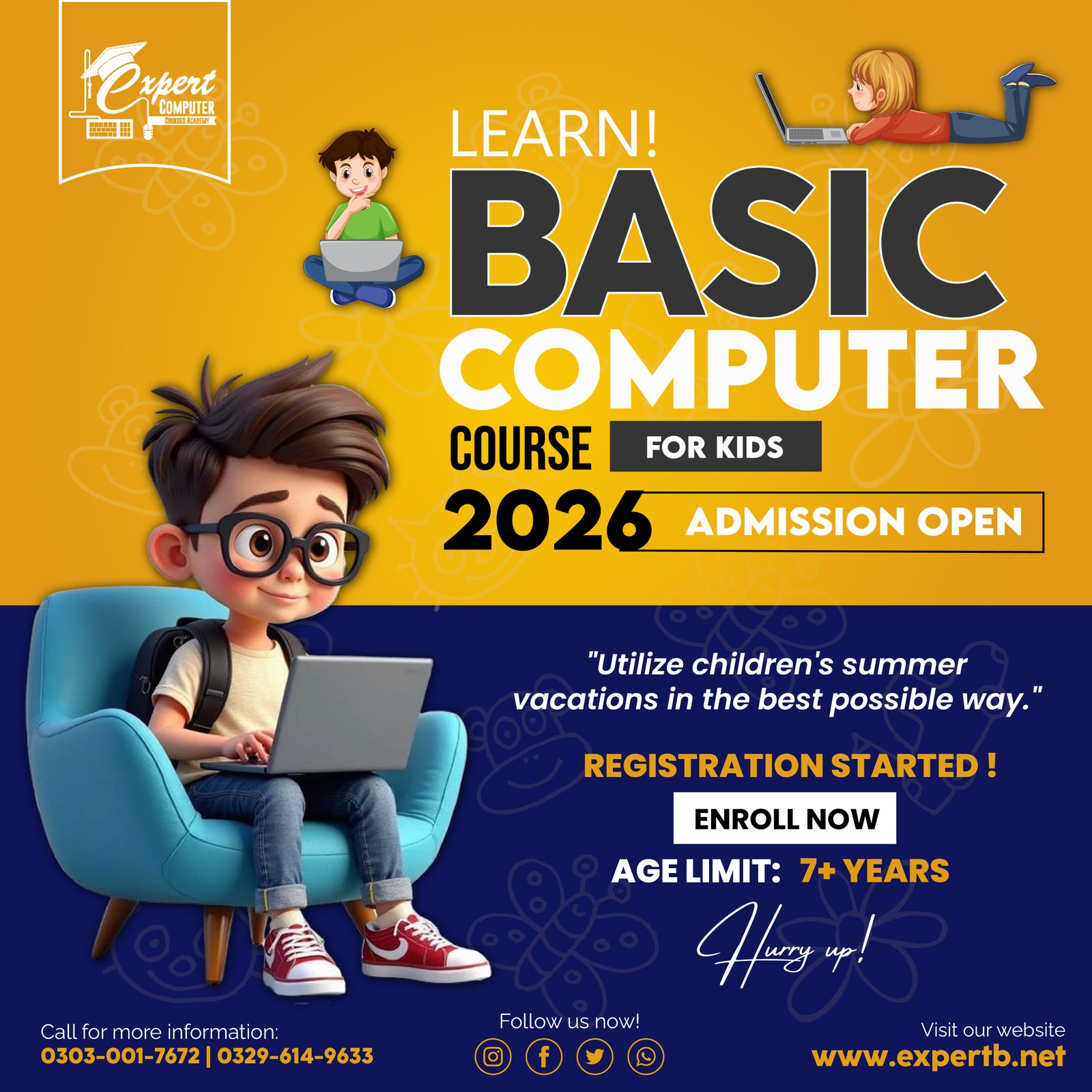
BASIC COMPUTER COURSE FOR KIDS
🎯 Course Outcomes
After completing this course, students will:
Understand basic computer parts
Use mouse a...
4.5 (0 reviews)
0 students
3 Months
Beginner
Urdu/English
Created by
Admin
Last updated: Mar 2026
About This Course
🎯 Course Outcomes
After completing this course, students will:
Understand basic computer parts
Use mouse and keyboard confidently
Type simple sentences
Create drawings and documents
Use the internet safely
Make simple presentations
🖥️ Basic Computer Course for Kids
Duration: 3 Months
Age Group: 7+ Years
Level: Beginner
📅 Month 1 – Computer Fundamentals
Week 1: Introduction to Computers
What is a computer?
Parts of a computer (Monitor, CPU, Keyboard, Mouse)
Types of computers (Desktop, Laptop, Tablet)
Turning computer ON/OFF properly
Week 2: Using the Mouse & Keyboard
Mouse skills (Click, Double Click, Right Click, Drag & Drop)
Keyboard basics (Alphabet keys, Numbers, Enter, Spacebar, Backspace)
Typing simple words
Week 3: Introduction to Windows
Desktop screen overview
Icons and taskbar
Opening and closing programs
Creating and saving folders
Week 4: Paint Program (Creativity Week)
Introduction to MS Paint
Drawing shapes
Coloring pictures
Saving artwork
📅 Month 2 – Basic Applications & Typing Skills
Week 5: Microsoft Word (Basic)
Opening MS Word
Typing simple sentences
Changing font size and color
Saving a document
Week 6: Fun Typing Practice
Home row keys
Typing games
Speed and accuracy practice
Writing short paragraphs
Week 7: Introduction to Internet
What is the Internet?
Safe browsing rules for kids
Opening a browser
Searching for educational content
Week 8: Multimedia Basics
Playing videos and music
Adjusting volume
Watching educational content
📅 Month 3 – Practical & Creative Skills
Week 9: PowerPoint for Kids
What is a presentation?
Creating simple slides
Adding pictures
Simple slide show presentation
Week 10: File Management
Creating folders
Saving and organizing files
Copy & paste files
Deleting files safely
Week 11: Basic Computer Safety
Computer care
Cyber safety rules
Strong passwords (basic concept)
Respectful online behavior
Week 12: Final Project & Revision
Create a drawing in Paint
Type a short paragraph in Word
Make a small presentation
Final assessment & certificate
What You'll Learn
Master all the fundamental concepts and techniques
Thank you for your interest in ExpertB. Our team will review your application and contact you shortly.
ExpertB AI
Online
Assalam o Alaikum! 👋 Main ExpertB AI hun. Aap mujh se courses, services, earning opportunities, ya career ke baare mein kuch bhi pooch sakte hain. Kaise help kar sakta hun?